Calendar-Reminder
Simple Reminders
Lightweight Android app for offloading recurring tasks from your brain. Set up a reminder once — watering plants, taking vitamins, feeding pets, any habit — and let the app track whether it got done.
Why I built it: I made this because I could never remember whether I’d already taken my meds, filled the cat feeder, or watered the plants. Every reminder is marked done or missed, so the answer is always one glance away.
Why not a calendar app? Calendars are built for events; this is built for habits. Every occurrence is marked done or missed, and it works fully offline with no account, so your routines stay private.

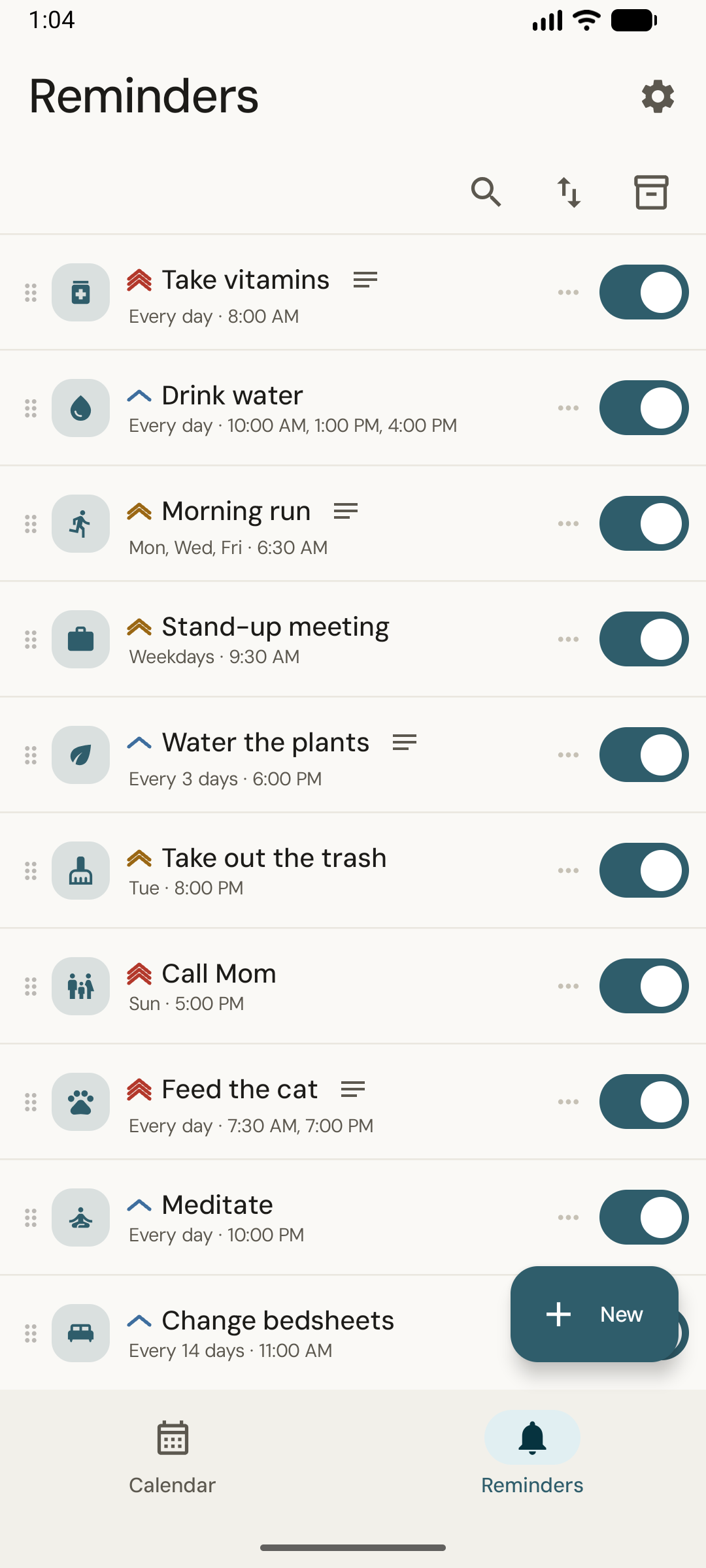
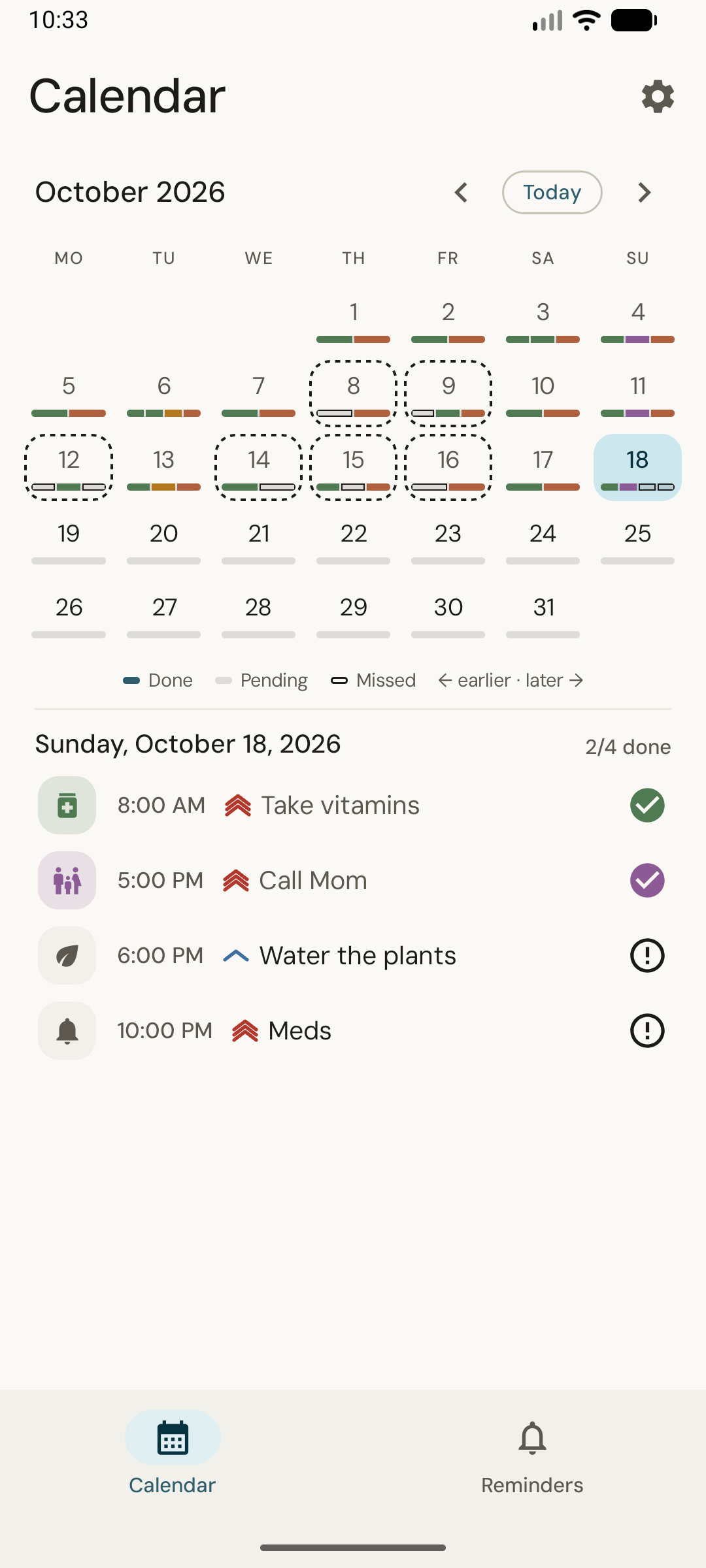
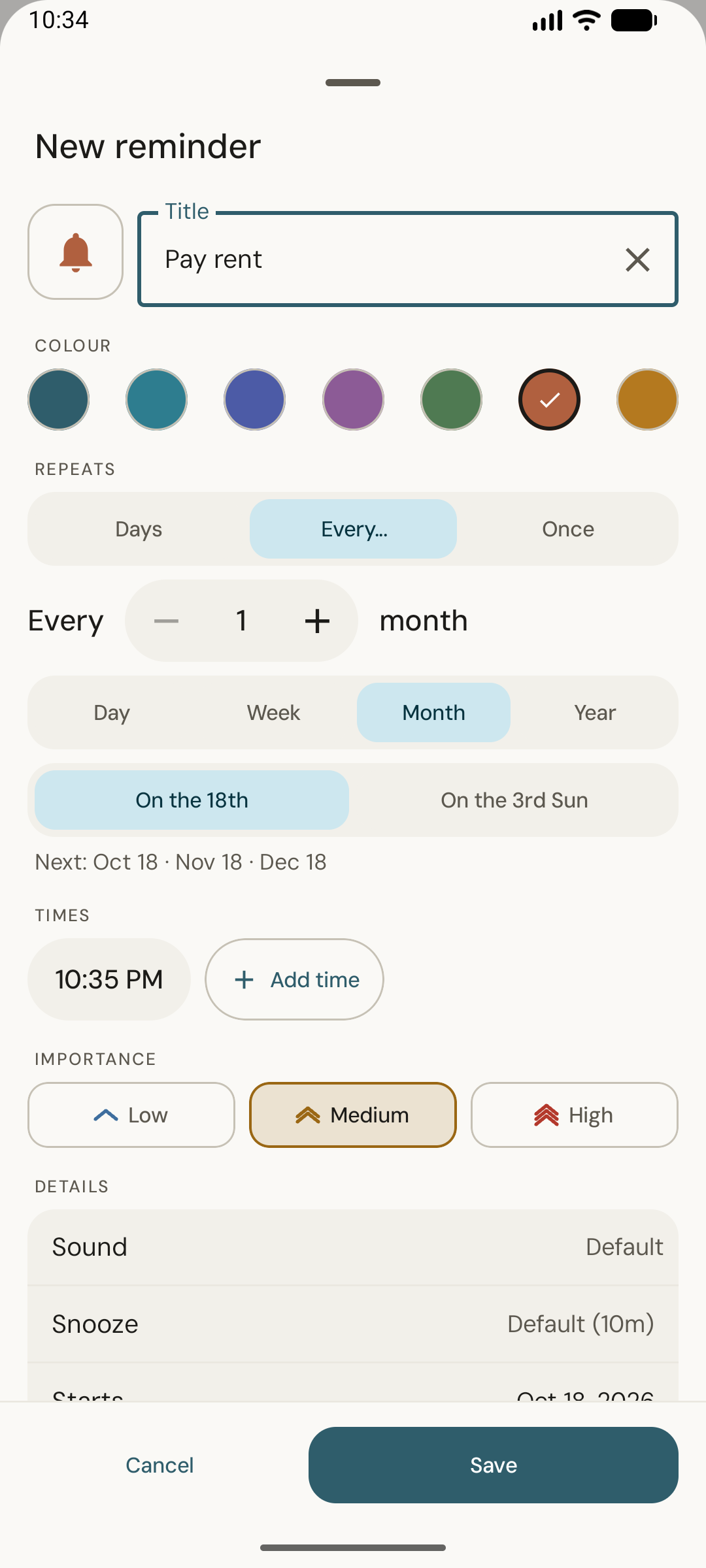
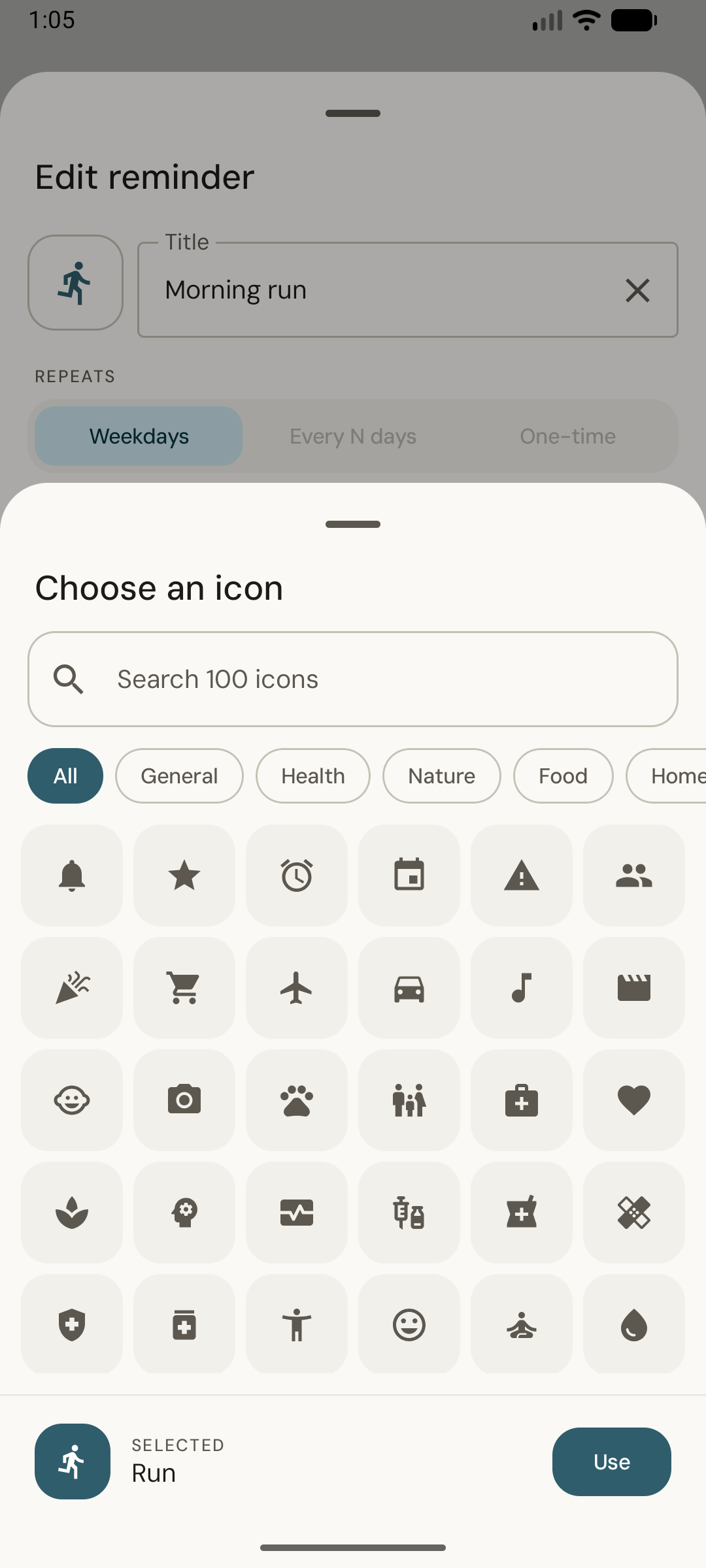
Screenshots
Theme packs
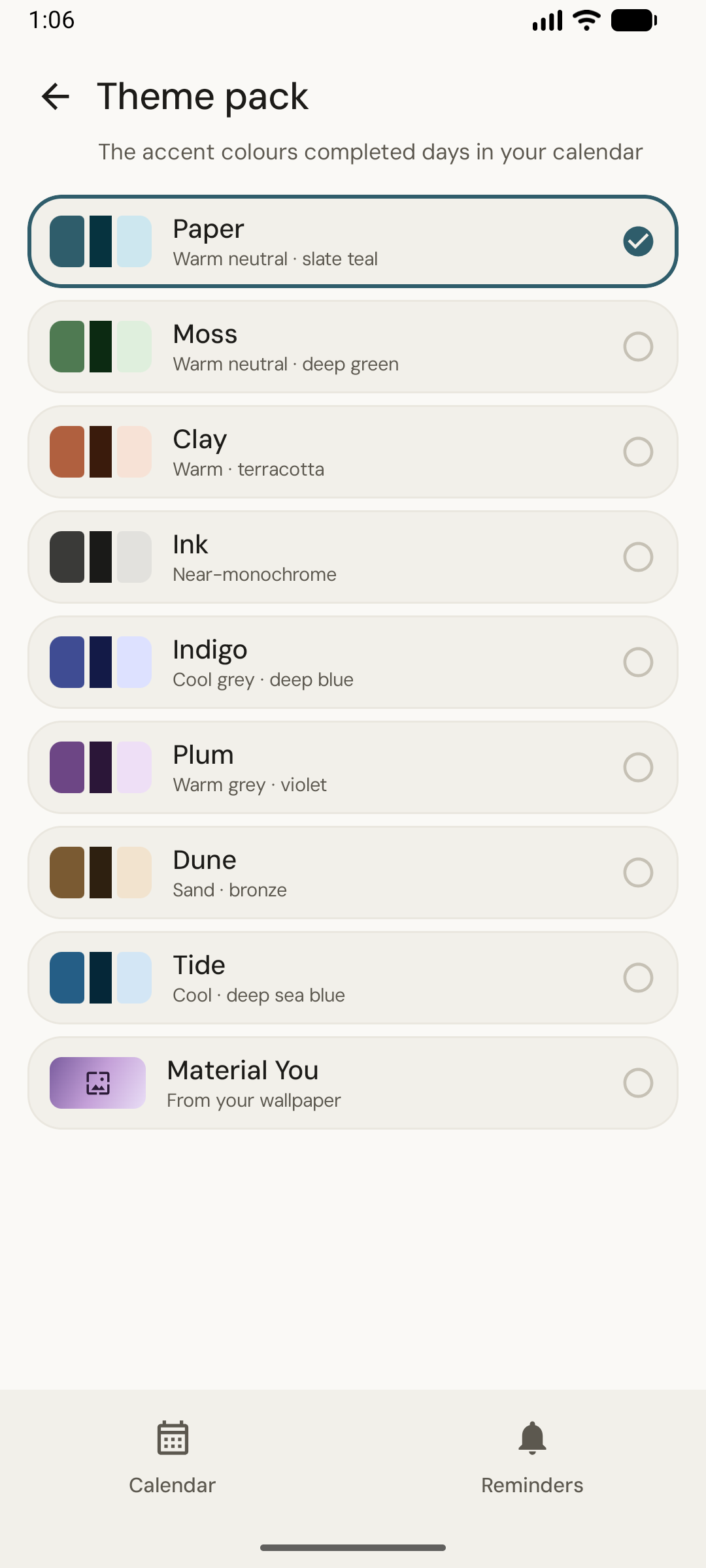
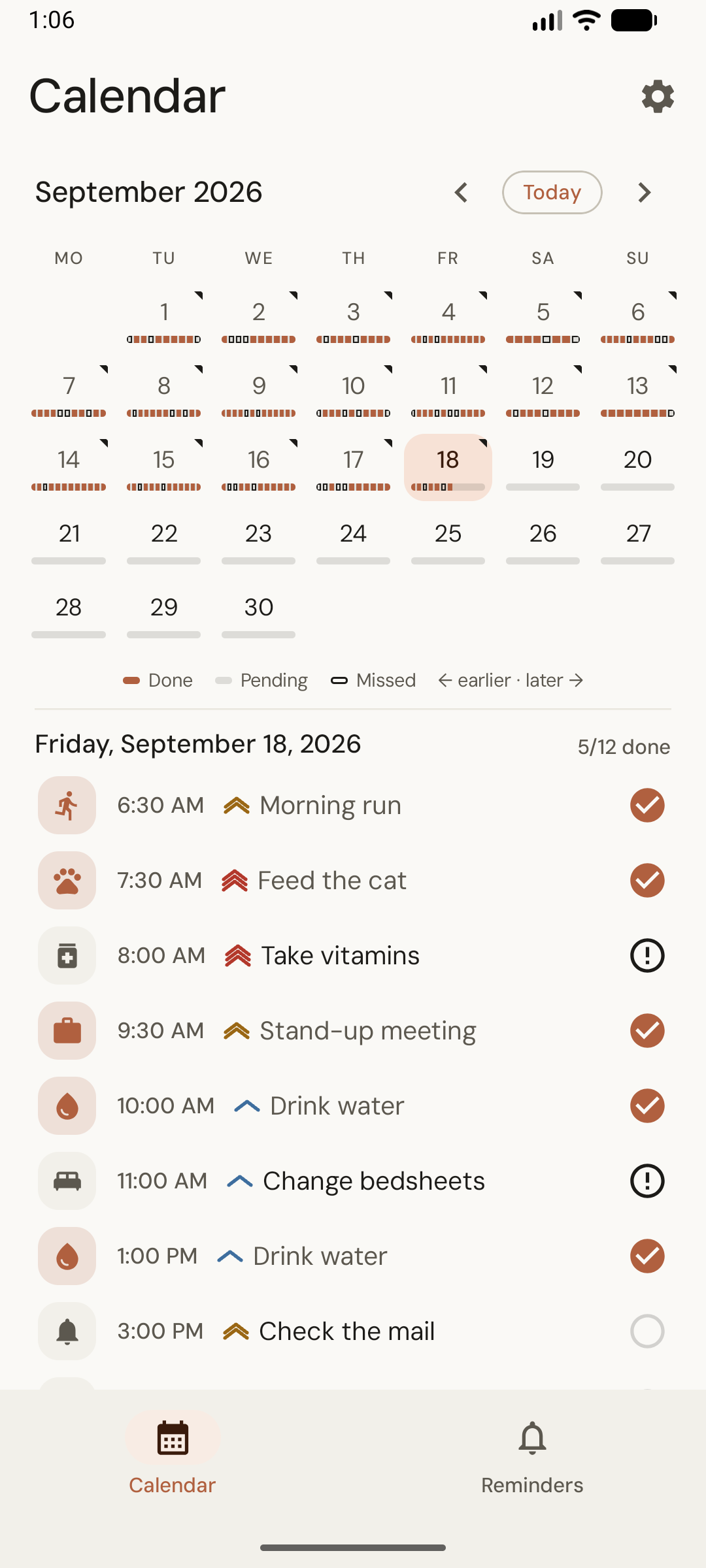
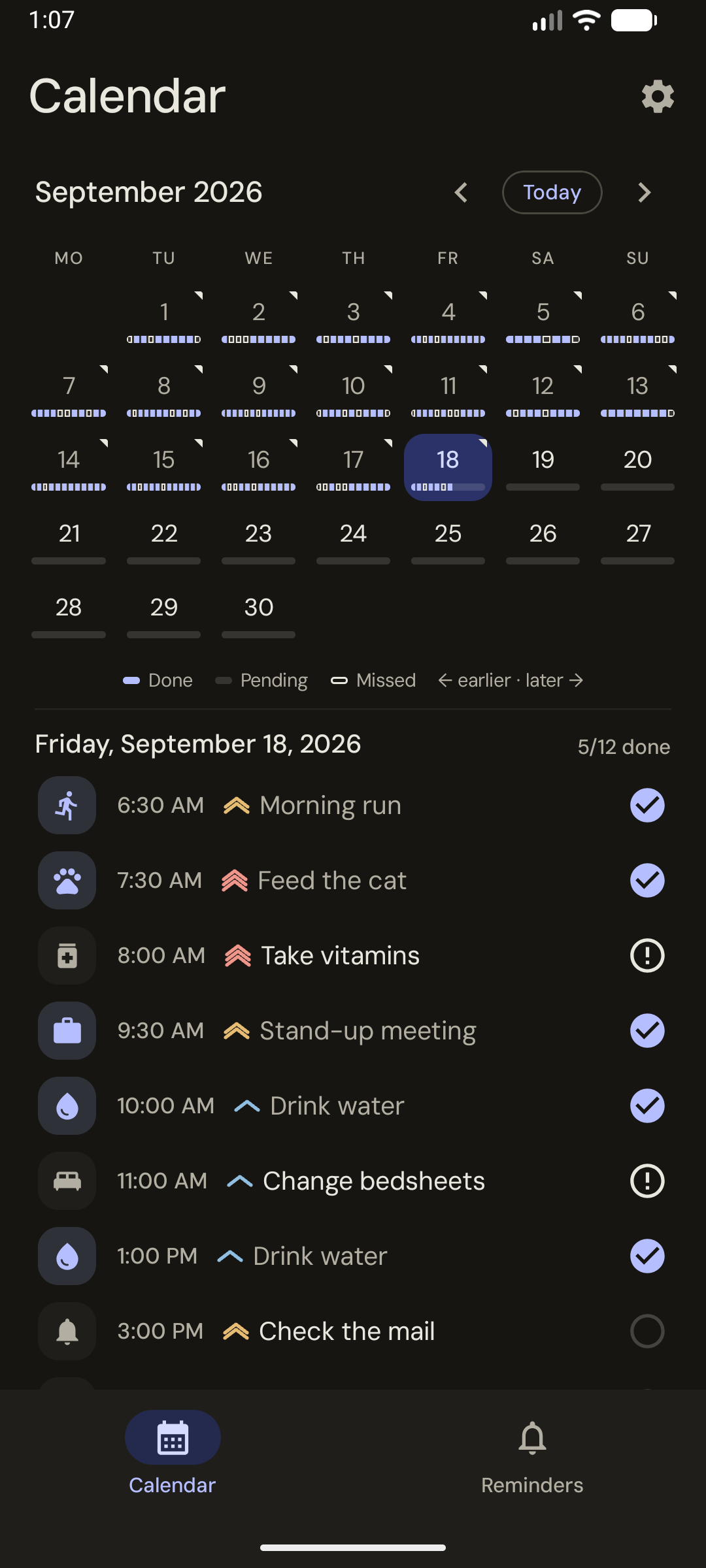
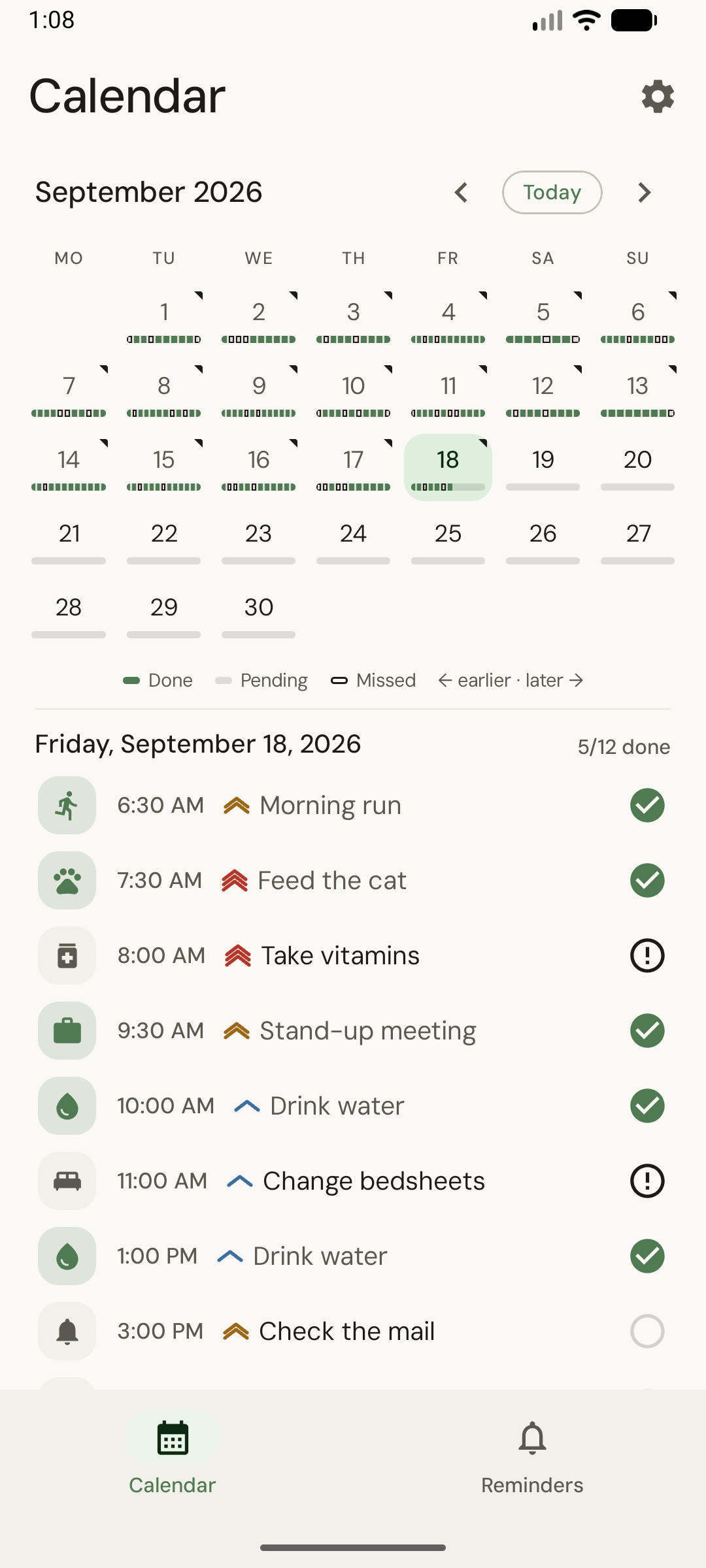
The same calendar in three of the eight packs — each works in light and dark.
Features
- Flexible Scheduling — Specific weekdays, every N days/weeks/months/years (e.g. “3rd Monday”), or a one-time reminder
- Multiple Daily Times — Schedule a reminder to fire more than once per day
- Completion Tracking — The calendar (the default screen) shows done, pending and missed at a glance, one pip per occurrence
- Importance Levels — Low, medium or high, which drives how insistent the notification is, with a tone you pick per level, or per reminder (optional)
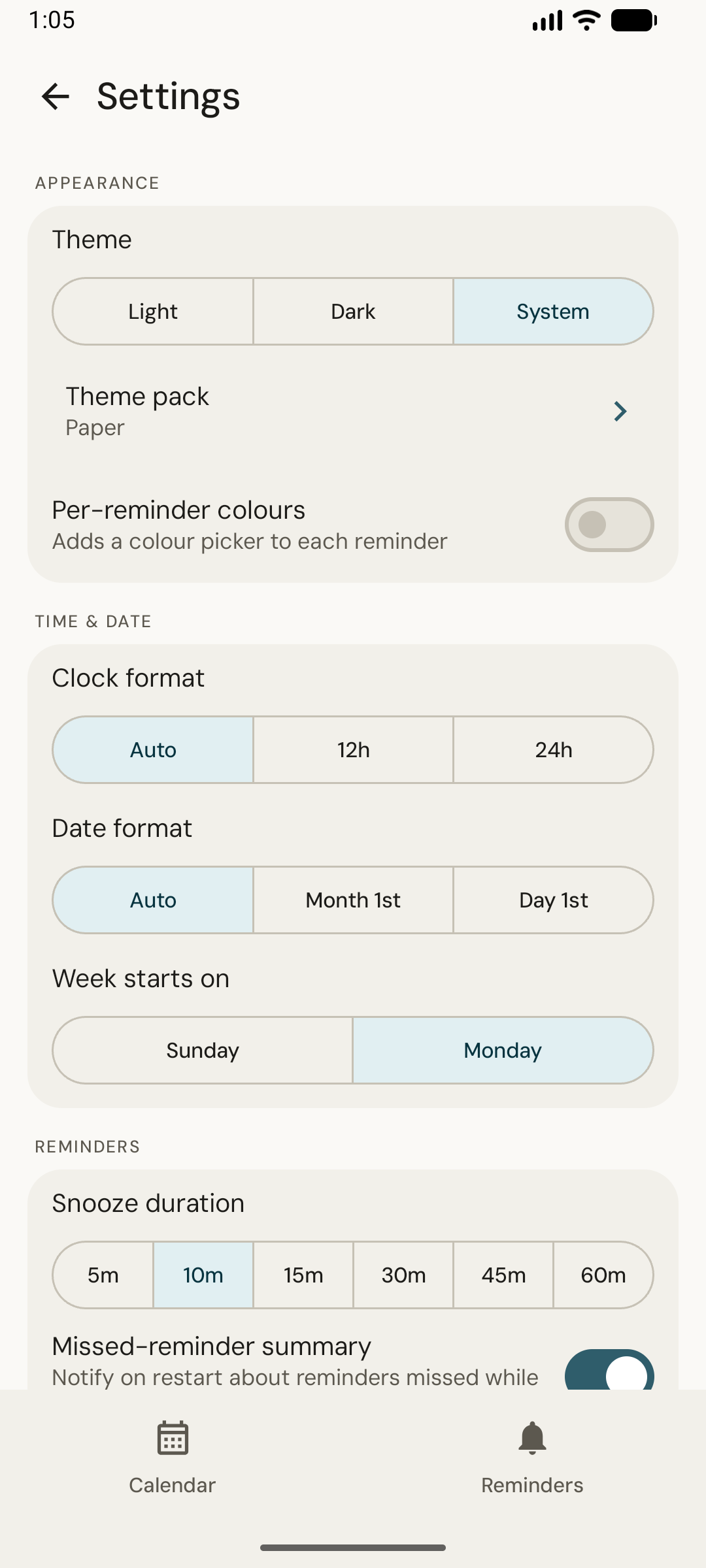
- Snooze — Defer an occurrence without it counting as missed; snooze length is configurable, globally or per reminder
- Pause & Resume — Silence a reminder for a while without losing its schedule or history
- Duplicate — Copy a reminder into a prefilled form to make a variant fast
- Notes — Attach free-form notes to a reminder, tucked behind a toggle on the card
- Missed Summary — On restart, a notification lists what was missed while the device was off (can be turned off)
- Sort, Filter & Search — Drag to reorder, or sort by next occurrence, importance, date added or title
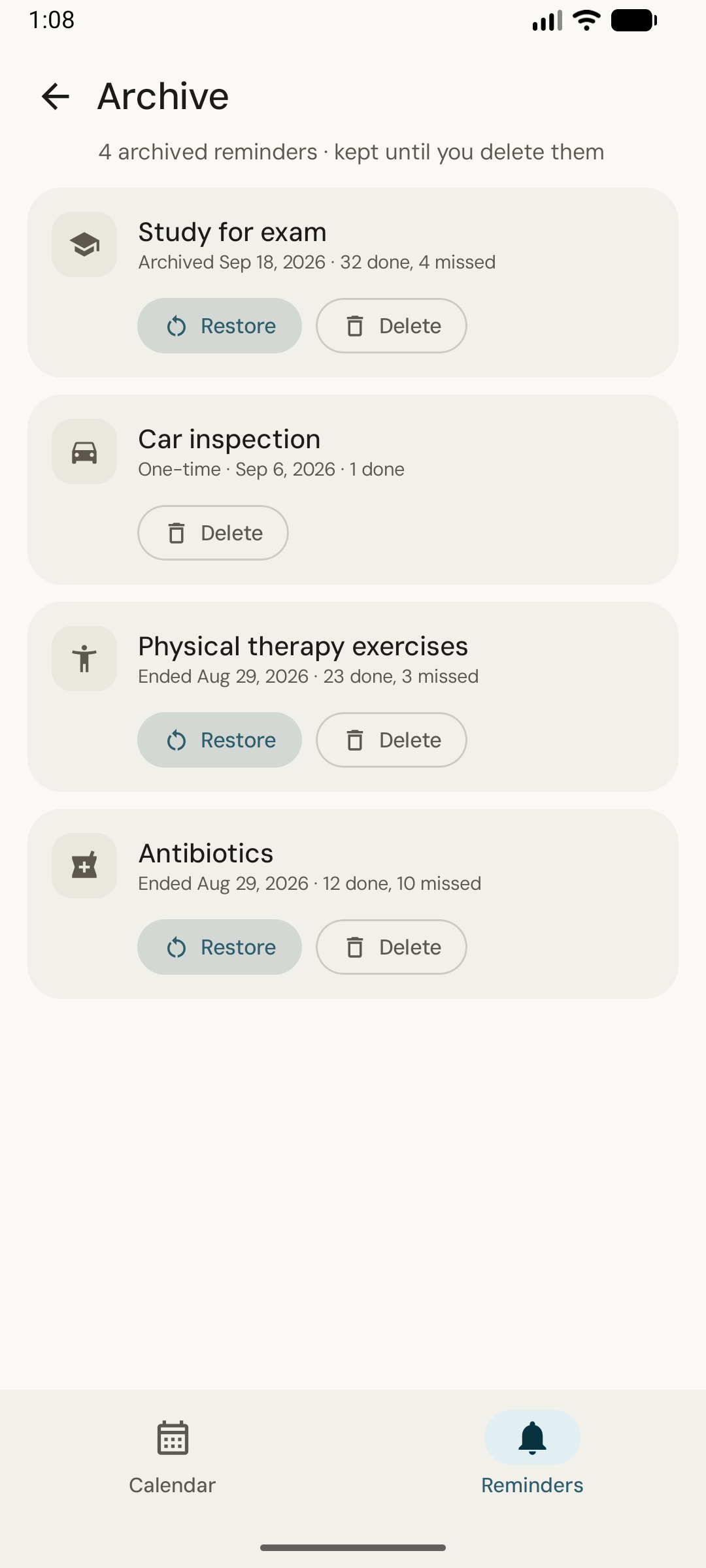
- Archive — Lapsed reminders are kept with their history until you delete them, and can be restored
- 8 Theme Packs + Material You — Light, dark or system, with optional per-reminder colours
- 100 Custom Icons — Choose from icons across 7 categories: General, Health, Nature, Food, Home, Work, and Sport
- Your Formats — 12/24-hour time, date format and first day of the week, or follow the system
- Optional End — End on a date or after a number of times, or leave it open-ended
- Discrete Notifications — Notifications show only the name you give the reminder, nothing else
- Always Works — Survives device reboots, no internet connection required
Privacy
100% offline. Zero data collection.
All data is stored locally using SQLite. No cloud sync, no analytics, no external servers. Permissions are only used to deliver reminders on time: notifications, exact alarms, and restoring them after a reboot.
If you have Android’s built-in app backup turned on, your reminders and settings are included in it so they can be restored on a new phone. That backup is handled by Android and your Google account, not by this app.
Full policy: privacy-policy
Requirements
- Android 8.0+ (API 26)
- Notification permission (prompted on first run) and “Alarms & reminders” (offered in-app if it’s off; without it reminders may arrive late)
Building from source
- Clone the repo — a full clone, not shallow.
versionCodeis derived from the git commit count (build.gradle.kts), so--depth 1breaks the build. - Open in Android Studio (Ladybug or newer) with JDK 17, or run:
./gradlew assembleDebug
The debug APK lands in app/build/outputs/apk/debug/.
Tech Stack
- Kotlin + Jetpack Compose (Material 3)
- Room (SQLite) for local storage, with schema history exported per version
- DataStore Preferences for settings
- AlarmManager + WorkManager for reliable scheduling
- MVVM architecture
License
Source is available for reference. All rights reserved.
The bundled DM Sans typeface is licensed under the SIL Open Font License 1.1.